

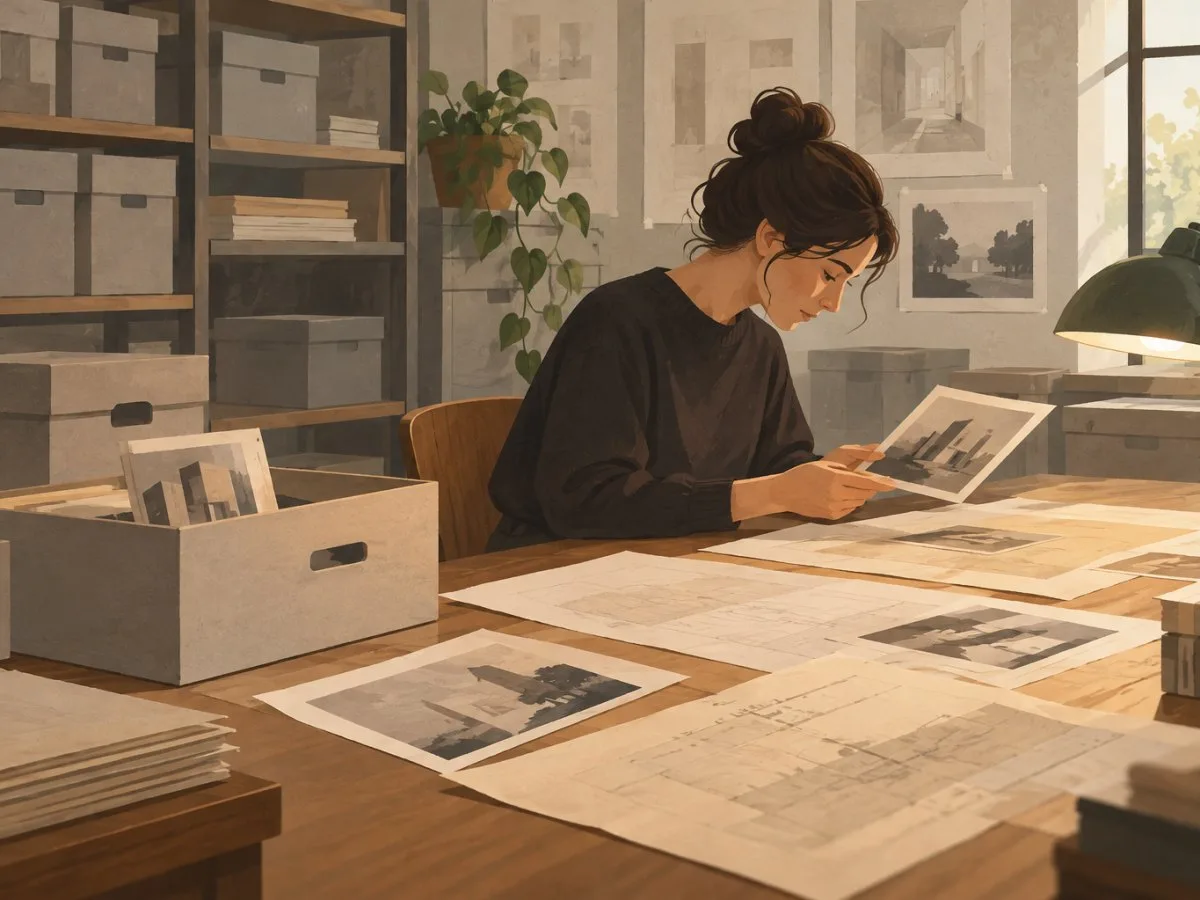
What you may find in an architecture collection
Architecture and design documentation is not limited to plans. Depending on the institution and the collection, it may include drawings, photographs, archival documents, books and journals, publications, cartographic materials, and interior or set designs. Models and other objects may also be present, but check the description of each collection: institutions do not all preserve the same types of material.
A personal archive may bring together documents produced or accumulated by an individual, such as correspondence, photographs and drawings. You can also research institutional or thematic collections, materials relating to a particular project, and collections connected with buildings, infrastructure, landscape or engineering. Collections may be distributed among archives, museums, libraries and specialist centres; even within one institution, different departments may hold related materials.
For example, the Library of Congress identifies architecture resources in several of its divisions: Prints & Photographs, Manuscript, Geography & Map, Performing Arts, Rare Book & Special Collections, and the general collections. Its materials range from photographs, drawings and manuscript documents to maps, costume and set designs, illustrated books and technical publications. This example shows why a search limited to a single catalogue or type of document may overlook relevant resources.
Directory, catalogue and digital archive: three different tools
| Tool | What it is for | What not to assume |
|---|---|---|
| Directory | Identifying institutions, their locations and, sometimes, their collections, contacts and general access conditions. | That it lists every archive in existence or every collection held by each institution. |
| Catalogue | Searching and describing materials in a particular collection; it may show records, titles, creators or reference numbers. | That every document is described individually or that search results are complete. |
| Digital archive or collection | Viewing online materials that an institution has digitized and made available. | That the entire collection is digitized, open or available in high resolution. |
These categories can overlap: an institutional website may combine a collection directory, a catalogue search tool and digitized content. Identify the function of each result. An institutional profile can help you decide where to search; it does not necessarily replace the catalogue. A catalogue record describes an object or collection; it does not guarantee that it can be viewed online or consulted without restrictions.
How to use ICAM’s Member Index
ICAM’s Member Index presents profiles of member organizations and organizes browsing by geographic area and country. Profiles may provide information about institutional collections and resources, addresses, access, contacts, and examples of exhibitions or programmes. The index is a discovery tool, not a guarantee of completeness: it should not be interpreted as a census of every architecture archive and museum in the world.
To use it:
- Choose a geographic area. The interface displays Africa / Middle East, Americas, Asia / Oceania and Europe.
- Search by country or region when the interface allows it. The page presents geographically grouped entries; in some cases, countries or additional labels also appear. Check the organization visible when you search, and do not assume that every area has the same structure.
- Open the institution’s profile. Check what kinds of collections it describes and whether its materials match the subject, place, person or project you are researching.
- Go to the institution’s website. Look there for the catalogue, collection descriptions, access instructions and contact details. The directory profile can point you in the right direction, but does not replace the institution’s operational information.
- Record search terms and alternative names. Try the name of the person, practice, building or project, as well as linguistic variants and institutional forms of the name. A search using a single term may not find a collection described under a different name.
Institutions listed in the index include the Canadian Centre for Architecture (CCA) in Canada; the Getty Research Institute and Avery Architectural and Fine Arts Library in the United States; the Estonian Museum of Architecture; Het Nieuwe Instituut in the Netherlands; the Historical Archive of the Col·legi d’Arquitectes de Catalunya in Spain; and ArkDes in Sweden. These are documented starting points in the directory, not recommendations about whether a collection is suitable for a particular research project.
From a lead to a document: a search in several steps
1. Define the evidence you need
Note the subject, location, approximate period, and related people or organizations. Clarify whether you are looking for a project drawing, photographs, correspondence, a model, publications, or documentation about the construction and history of a building. If you do not know the exact form the material takes, describe your research question before narrowing the search to a particular format.
2. Identify possible custodians
Start with directories such as ICAM’s Member Index and with resource guides from libraries and archives. Also consider institutions with a broader remit: architecture collections may be held in libraries, photography divisions, manuscript archives, cartographic collections, or design and engineering museums.
3. Search the catalogue and collection descriptions
Try several combinations of names and subject terms. Distinguish between an entry describing an entire collection and a record identifying a specific object. If the website’s search tool does not produce clear results, consult collection guides or ask the reference service: a search tool may be incomplete or produce unexpected results.
4. Record identifiers and references
Save the record title, creator’s name, identifier or reference number, and the institution that holds it. If the catalogue gives a precise reference, include it when requesting access or reproductions. Identifiers help staff locate material, but by themselves they do not prove that a document is available, digitized or authorized for reproduction.
5. Confirm conditions directly
Before planning a visit, check opening hours, appointment procedures, requirements for requesting materials, and any closures or temporary restrictions with the institution. Also check whether access is in person, remote or both, and whether each item needs to be requested in advance. Do not book travel based only on the presence of an online record.
What to check before visiting
Rules vary between institutions and may depend on the type of material. At a minimum, check:
- Access and appointments: whether an appointment is required, how far in advance to request one, and what personal information or affiliation is required.
- Material availability: whether the document is catalogued, can be requested and will be available on the date you plan to visit.
- Consultation limits: whether there are limits based on quantity, document type, space or preservation condition.
- Use rules: whether computers, scanners or cameras are allowed, and under what conditions.
- Opening hours and closures: whether the reading room is open by appointment only, has special hours or is temporarily closed.
- Reproduction and publication: how to request images, what formats are offered, and what permissions or credits are required.
The CCA provides a specific example of access by appointment: its Study Room is open to researchers by appointment only, Monday to Friday, 10:00 a.m. to 5:00 p.m., and asks them to provide a list of documents. For primary sources, it asks researchers to book at least two weeks in advance; for secondary sources, at least 48 hours in advance. It also warns that its search tool is under development and may produce unexpected results. These conditions apply to the CCA and may change; confirm them with the institution before planning a visit.
Digitization, online access and rights
An online catalogue may describe materials without providing digital images. Conversely, the availability of an image on a website does not automatically mean that it can be reused in a publication. Digitization, access and reproduction permissions are separate matters.
Under certain conditions and depending on the material’s condition, the CCA allows researchers to scan selections from library resources or take photographs for study purposes. For reproductions intended for other uses, contact the relevant service; timelines, conditions and fees depend on the type of request. The institution also notes that it does not necessarily hold the copyright to the materials: rights may belong to their creators or rights holders, and the person making the request is responsible for obtaining any applicable permissions. When images are supplied, the CCA requires a credit line mentioning both the Canadian Centre for Architecture and the rights holder.
Therefore, before publishing an image, check separately:
- who holds the document;
- whether a digital reproduction exists and what resolution is available;
- who owns the copyright;
- what permission is required for the specific use and in the relevant territory;
- what credit or attribution must accompany the image.
Copyright rules and exceptions to permitted use vary between countries. Do not assume that consulting, downloading or photographing a document gives you permission to publish it.
A short checklist to take away
- Identify your research question and the types of documents that could answer it.
- Use a directory to discover institutions and a catalogue to locate collections or objects.
- Browse ICAM by geographic area and, when the interface allows it, by country or region; then confirm information on each institution’s website.
- Record alternative names, titles and reference identifiers.
- Ask about appointments, availability, limits and reproduction rules before travelling.
- Treat digital archives as available selections, not proof that an entire collection is online.
- Check rights and credit requirements before reusing images.
At a glance
nexo id
198
Sources and references
https://icam-web.org/member-index/ ↗15/11/2026 ICAM, Member Index.
Cómo localizar archivos de arquitectura: del índice de ICAM a la consulta de documentos ↗15/11/2026 Library of Congress, Related Resources — Architecture, Design and Engineering Collections.
How to access our Collection in person | CCA ↗15/11/2026 Canadian Centre for Architecture, How to access our Collection in person.